
A branded public presence
Care information, clinic guidance and contact routes are available within TMCC’s website.
Customer implementation / Healthcare
How WebPlatform brings specialist care information and the appointment journey together for Tirthankar Mahavir Cancer Clinic.
01 / The challenge
People exploring specialist care need more than a list of services. They need to understand the clinic’s approach, find practical information and know how to request a consultation.
The implementation focuses on that journey: connect care information, patient FAQs and clinic contact details to a visible appointment route, within TMCC’s own branded website.
This case study documents the delivered experience. It does not claim a measured improvement over TMCC’s previous website.
02 / Implementation
Built around the public website and the clinic’s appointment workflow.
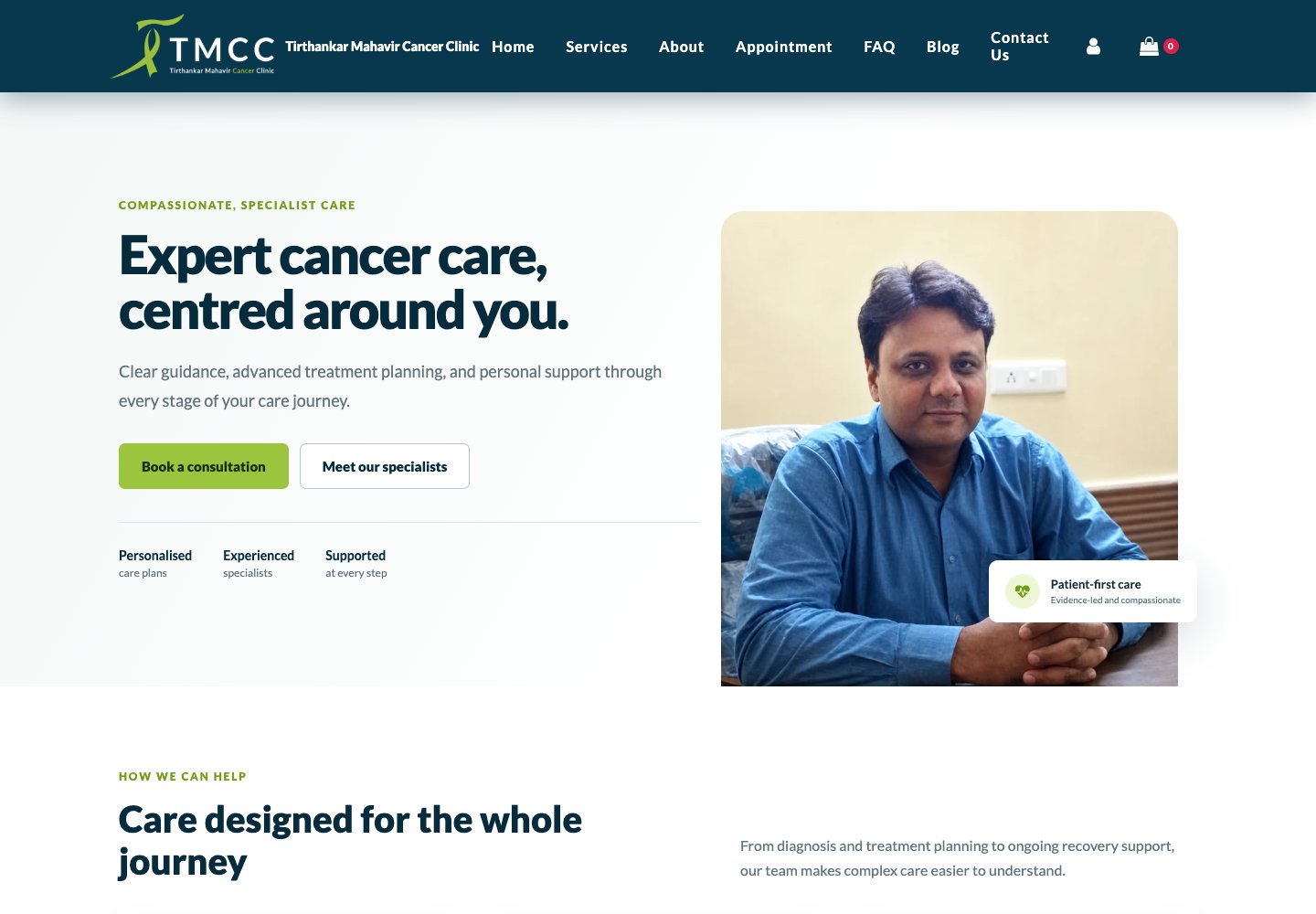
A dedicated healthcare theme presents specialist consultation, treatment planning and ongoing support, with clear routes to more information.
Consultation calls to action lead visitors to the appointment page, where they can explore scheduling options or request a preferred time.
Patient guidance, contact details and appointment-status lookup support the steps before and after an appointment request. Clinical decisions and patient communication stay with the clinic team.
03 / Product walkthrough
Public TMCC pages captured on 12 September 2026. No patient records or private appointment details are shown.

04 / Results
Care information, clinic guidance and contact routes are available within TMCC’s website.
Visitors can move from learning about the clinic to the appointment workflow without searching for a separate tool.
Service pages, FAQs and appointment actions support a consistent path through the website.
Build your next customer journey
Talk to us about the information your visitors need and the workflow your team needs to support them.
Choose your WebPlatform starting point
Create one merchant account, activate the relevant module, connect your existing channel, and validate a test journey before launch. You can add more modules later.
Build consent-aware campaigns, follow-ups, and measurable customer journeys.
Explore campaign tools → Connected commerceConnect customers, orders, website activity, messaging, and supported commerce workflows.
View connectors → Customer operationsOrganise bookings, reminders, customer follow-up, and operational handoffs.
Find a solution → Not sure yet?Describe your goal and receive a focused recommendation before registering.
Plan my setup →Register your merchant account, choose the first module, connect and validate it, then invite your team when the workflow is ready.